Using AI to write me a tool
Brief
This is my first attempt at using claude-sonnet-4.5 to help me write code using Github copilot.
I recently bought a Rigol DP832 programmable power supply [1] , which is actually a very nice piece of hardware for the price. The sad truth is that the main reason for buying it was that my old PSU is quite noisy, and I thought that a newer one would be quieter. Well, it is not.
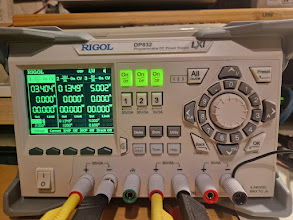
Anyway, the DP832 has a nice SCPI command set for remote control if you enable LAN and/or RS232 interface. If it is there, I want to use it.
Unfortunately, I'm currently very busy at work and don't have much time to write code. My collegue has been testing the claude-sonnet-4.5 AI model for a while and is happy with it, so why not give it a chance?
The project
So, what to do with a programmable power supply? The first thing that came to my mind was to create a battery simulator. Basically load a battery profile and have the power supply simulate that profile when connected to a load, that could be useful.
I want it to be written in Rust as I guess that is what I should learn next (it has even got the Experimental tag in the Linux kernel removed recently [2]).
How it went
I'm using Github copilot and just instructed it to create a Rust project that connects to the Rigol DP832 power supply over LAN and implement a battery simulator.
That was not the exact wording, but not too different either. And it worked. A little too good actually.
I don't know Rust very well, but with my 30 years of programming experience, I could tell that the code generated by copilot was not bad and it actually worked quite well. It succeded to lookup the SCPI commands in the manual [3] and implemented them correctly. Well, most of them. I had to point out a few mistakes here and there, but nothing major.
Most of it was there; it was able to load a battery profile from a json file, simulate that profile by adjusting the voltage and current of the power supply over time and print all parameters to the terminal.
It took "me" about one hour to get it working. Then I instructed it to add a TUI interface, log data to a CSV file, add a configuration file, support three channels and so on. Most of it worked, but as soon the project grew larger, it started to get regressions.
The communication with the power supply become one of the major and repeatable regressions. The PSU suddenly started to beep and write "Command error" on the display. The copilot had messed with the command routines and changed how it was sent. The first regression was about changing from blocking to non-blocking.
Another example on how it messed up the communication was that it refactored the code to use one single thread to handle all channels channels, resulting in that commands sent and the responses got mixed up.
The copilot found the mistakes quite fast when I pointed them out though.
The result
I got a working battery simulator that can load a profile and simulate it on the DP832 power supply. It is not perfect, but it works. Still, the code is not bad, I'm not even sure that I could have done it better myself before getting bored and moved on to something else.
So, will I use copilot to write my code from now on? Well, for those projects that I don't care that much about, absolutely yes. I would not like to maintain a project written by a copilot though.
Using a copilot is more of buying a service from, lets say, a craftman. You tell him what you want, he does it. If it is not perfect, you can always ask him to fix it or do it again. It saves you time and effort. You will never know the result as good as if you did it yourself. But you don't always have to.
This was fun, I got impressed, the code is working. What more to expect from a saturday night project?
You find the code on Github [4] .
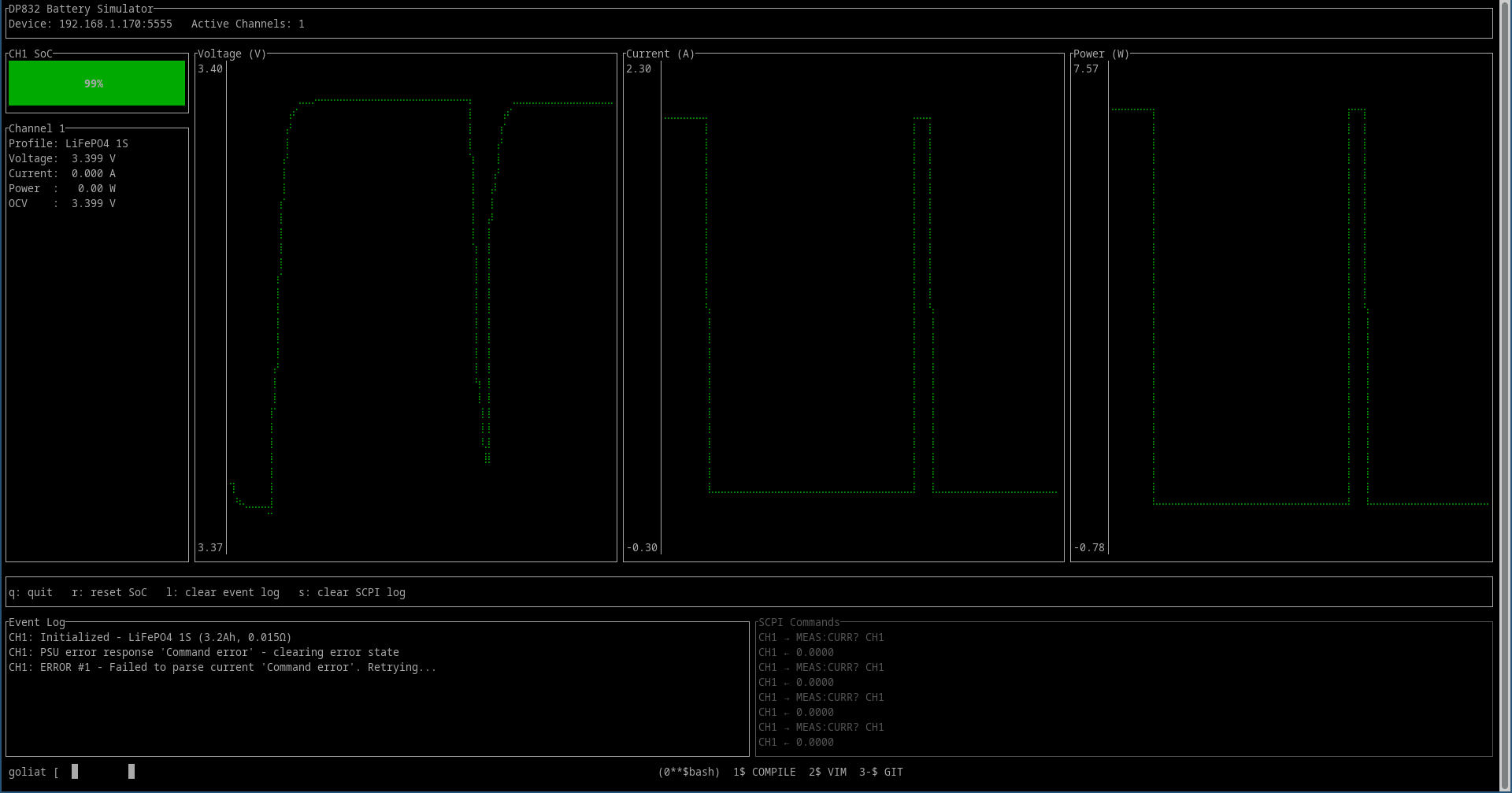
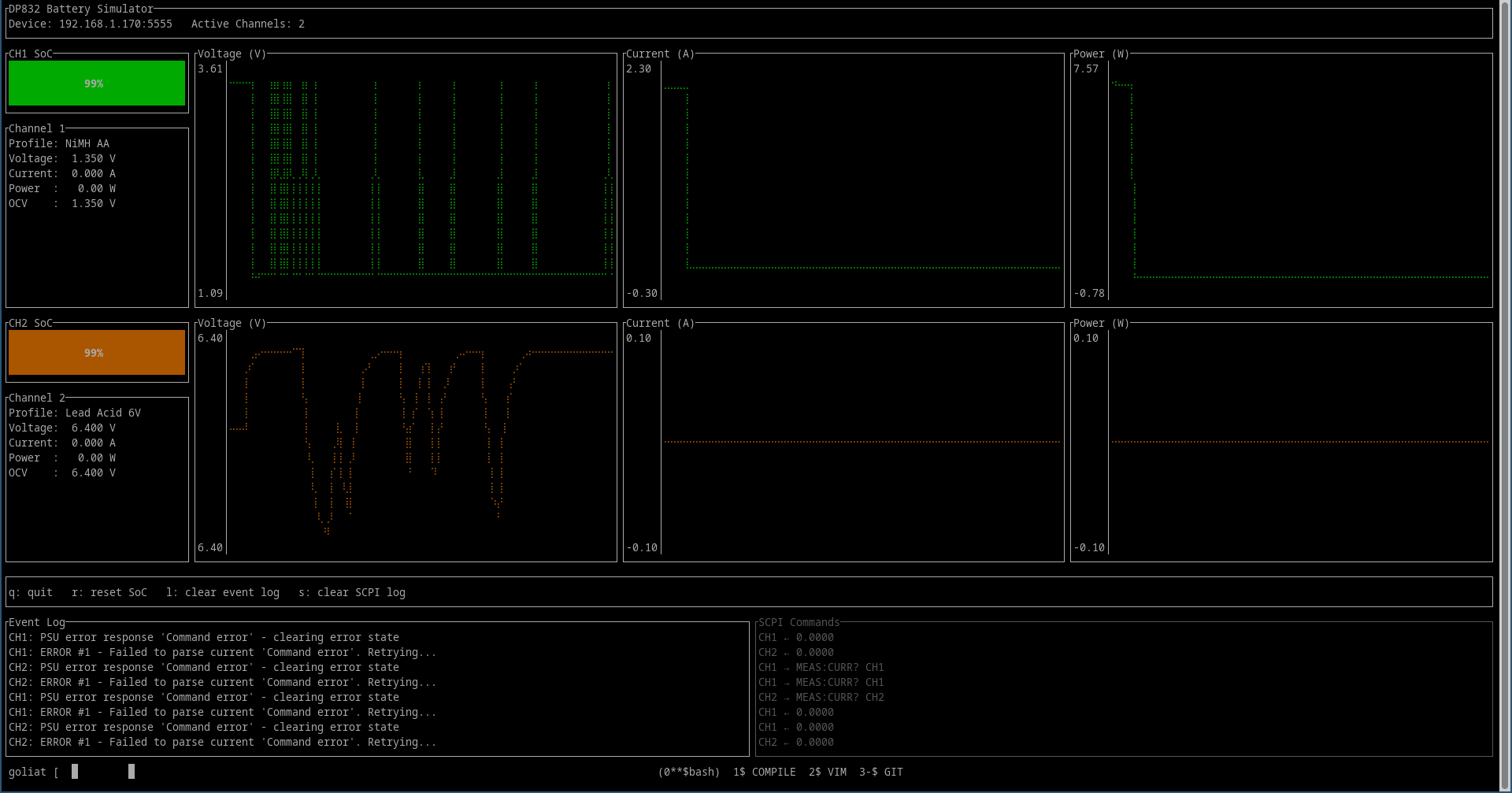
Here are some pictures of the result:
Battery simulator running on one of three channels:
Battery simulator running on two of three channels:
The remote control interface:

I did not write a single line of code myself in this project.